The answer, of course, is that it's all in the acting and the performance. If the body language is working, then the audience will believe that the character is speaking - even if the character itself has no mouth.
Useful Links
Showing posts with label Monty. Show all posts
Wednesday, 26 February 2025
How To Animate Lipsync - With No Lips
One of the first dialogue exercises tackled by students at Escape Studios is how to animate a character speaking a line of dialogue - but with no mouth. Students almost always look skeptical at this idea - how can you animate Lipsync - with no lips?
Monday, 21 October 2024
Animate a Sneeze With "Monty"
| Animate a sneeze with Monty |
A sneeze is an explosion of air, so we want a big anticipation, and then a big sneeze.
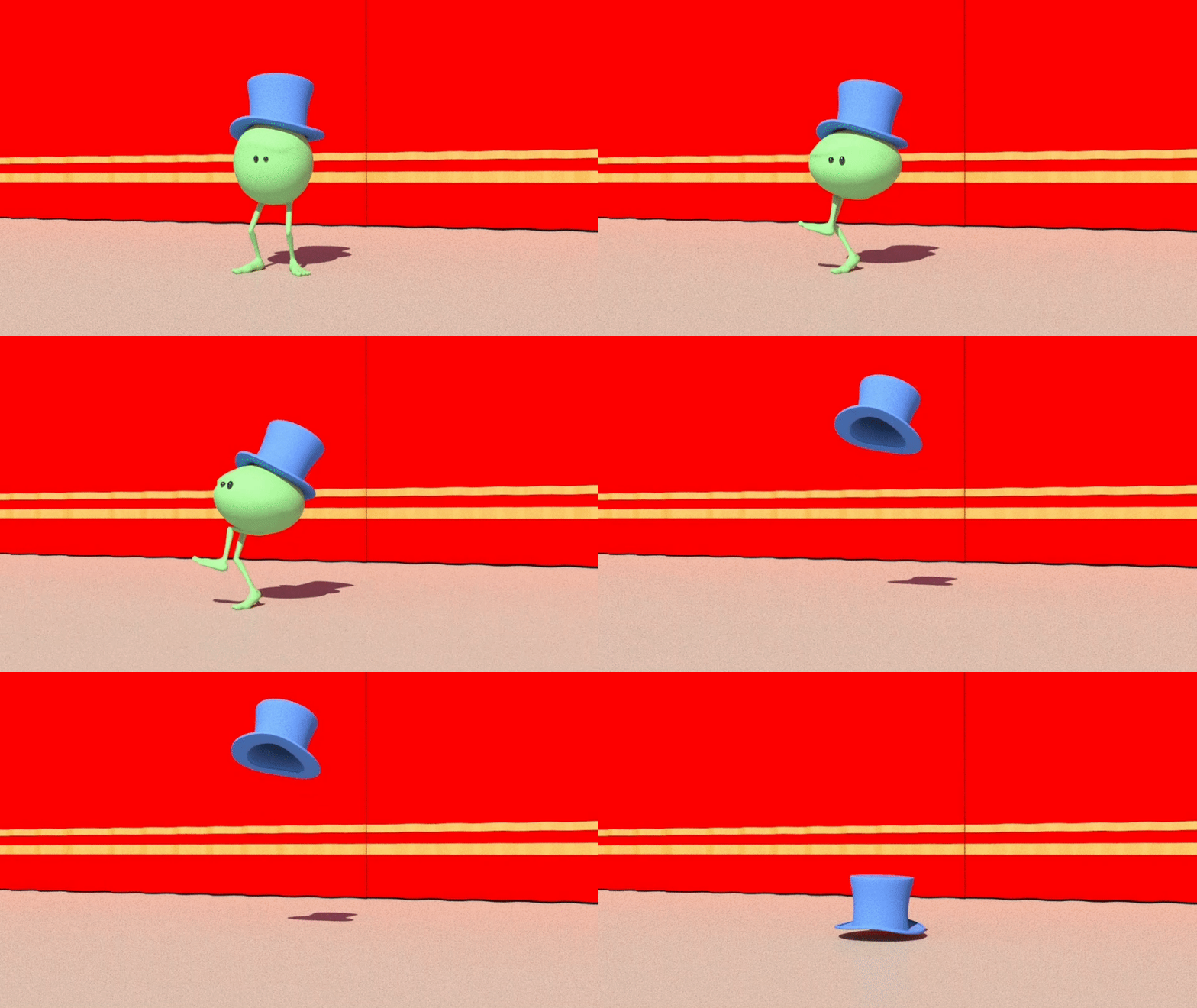
For extra points, attach a hat to Monty's head, and animate it flying up in the air, spinning and landing again (you will need the Parentmaster plugin for this).
Thursday, 10 October 2024
Mad Scramble Run Animation Tutorial with "Monty"
In this new animation tutorial we show how to animate a cartoony "mad scramble" run and smear frame exit with Monty, the green pea.
It's a simple tutorial aimed at animation beginners, and covers runs, jumps and smear frames. We'll also need to do some attaches and parenting (for Monty's hat) basic lighting in Arnold and learn how to add motion blur to the final render.
Tuesday, 8 October 2024
Render Motion Blur in Maya and Arnold
How to Render Motion Blur in Maya and Arnold: This very simple and very short tutorial shows how to turn on Motion Blur in the Arnold Renderer in Autodesk Maya. Why would we want to turn on motion blur? Because when we have very fast action, we almost always want motion blur; this simulates how our eyes actually see things in real life.
Friday, 28 June 2024
Dialogue Tutorial with Monty: "I'm Outta Here"
![]() |
| Monty: "I'm Outta Here!" |
But how can you animate dialogue and lipsync - with no lips? The answer is - it's all in the performance. If the body language is working, then the audience will believe that the character is speaking - even if it has no mouth.
Sunday, 14 April 2024
"Lamp -v- Monty" by Illia Stepina
Illia Stepina is a first year undergraduate animation student at Escape Studios; "Lamp-v-Monty" was animated for Elissa's core animation module - Animation 1 - a 15 Credit module that teaches all our first year students the fundamentals of character and creature animation. AN4001 lasts four weeks, and covers all the basic principles of animation. To see some of the best work done by our first year undergraduate animators, follow this link.
Monday, 25 March 2024
Blend From a Walk to a Run with Marc Stevenson
Tuesday, 5 March 2024
Animate a Cowboy Walk with Monty
![]() |
| Cowboy walk with Monty |
The video tutorial is recorded in Autodesk Maya, and is aimed at animation beginners.
Saturday, 2 March 2024
Animate a Slow Sad Walk with Monty
![]() |
| Animate a sad walk with Monty |
In the tutorial below, we show how to take a basic walk cycle using the marvellous "Monty" rig - and then make Monty sad and depressed - with just a few clicks. The video tutorial is recorded in Autodesk Maya, and is aimed at animation beginners.
Tuesday, 27 February 2024
Animate a Sneaky Walk with Monty
![]() |
| Sneaky Monty |
To complete the tutorial, first start with a Basic Walk with "Monty" - which you can learn how to do here.
Then, as with our other character walks tutorials, adapt the basic walk to give it character and personality - in this case a "sneak".
Friday, 16 February 2024
Animate an "On the Spot" Walk with "Monty"
![]() |
| Monty Strolling in Cartoonland |
The new tutorial videos add to our growing series of animation tutorials, hosted at Vimeo, with a tutorial on how to animate a basic walk, cycling the walk "on the spot".
The tutorial uses the free Monty rig, one of the rigs that we recommend for student use in the early stages of learning animation.
Thursday, 18 January 2024
Double Bounce Walk Tutorial with Monty
![]() |
| Double Bounce Walk with Monty |
The video tutorial is recorded in Autodesk Maya, and is aimed at animation beginners.
Thursday, 11 January 2024
Animate a Head Turn with "Monty"
![]() |
| Animate a Basic Head Turn with Monty |
The idea is to learn how to do a basic head turn without making it stiff and lifeless - dip the head slightly on the turn, and also close the eyes - Everyone blinks when they turn their head.
Monday, 28 August 2023
Animate a Run Cycle with "Monty"
![]() |
| Monty runs for the bus |
This tutorial is part of our large and growing library of animation and vfx tutorials at our Vimeo Channel - free for all our students.
Labels:
Locomotion,
Monty,
Runs,
Tutorials,
Vimeo
Sunday, 6 August 2023
Animate a Jump with "Monty"
In this Locomotion and Mechanics tutorial we show how to animate a jump with a simple character, using the marvellous "Monty" rig, free for download at HighEnd3D.com. The idea is to get a basic jump working, that feels fluid and believable, with weight and balance. You can read more about the Monty rig and how to use it here.
Thursday, 6 July 2023
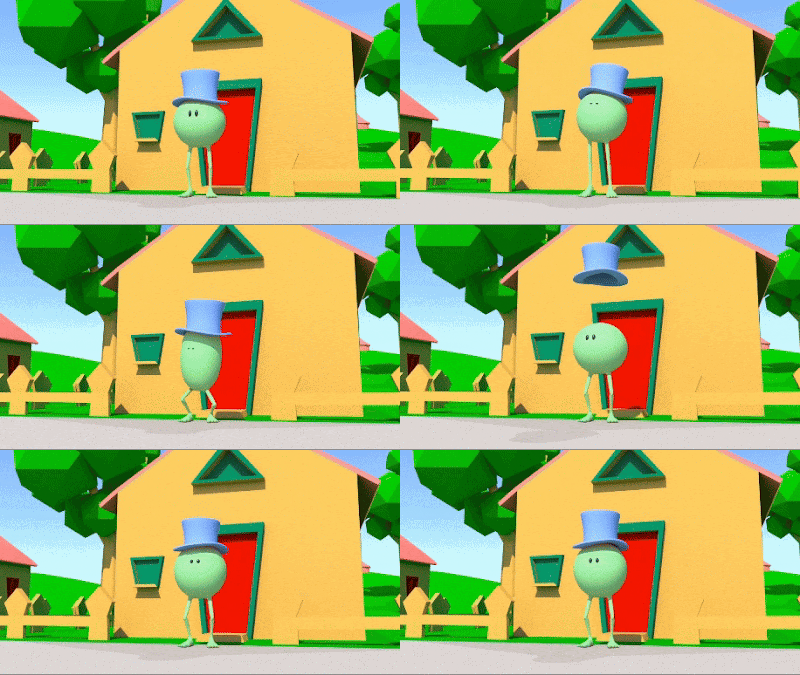
Animate Monty "Smokin!"
In the short beginner's animation tutorial below we show how to animate a character with no mouth saying a line of dialogue. But how can you animate dialogue and lipsync - with no lips? The answer is - it's all in the acting and the performance. If the body language is working, then the audience will believe that the character is speaking - even if the character itself has no mouth. In this tutorial we animate "Monty" saying a line of dialogue - "Smokin!" - the line originally delivered by Jim Carrey in the 80s hit movie The Mask.
Thursday, 29 June 2023
Animate Monty Singing "Oh Yeah"
In the short animation tutorial below we show how to animate a character with no mouth saying a line of dialogue, part of our series of tutorials on character animation and performance. But how can you animate dialogue and lipsync - with no lips? The answer is - it's all in the acting and the performance. If the character's body language is working, then the audience will believe that the character is speaking - even if the character itself has no mouth. In this tutorial we animate "Monty" saying (well, singing) a line of dialogue - "Ohhh Yeahhh".
Wednesday, 7 December 2022
Animate a Weight Shift with Monty
![]() |
| Monty Weight Shift |
One of the hardest things to achieve in 3D animation is the creation a sense of weight. Weight is hard to simulate because our characters are just pixels - they have no intrinsic weight, so we have to create the illusion of weight from scratch.
This tutorial shows how to transfer weight so that the character does not appear floaty or weightless.
Wednesday, 16 March 2022
Animate "Monty" Dancing Using Live Action
We've uploaded a new animation tutorial to our expanding Vimeo tutorial channel - how to animate a character dancing - using live action reference.
The purpose of the tutorial is to learn how to import live action reference footage into Maya and use it to create believable animation.
You can find the tutorial, which is free for all our students, at our Vimeo Channel.
Thursday, 26 March 2020
Learn to Animate a Walk at Our Vimeo Channel
Learn to animate a basic walk cycle with "Monty", the green pea, at our Vimeo Channel, available to all our students and Escapees.
The videos have added to our growing series of animation tutorials, hosted at Vimeo, with a tutorial on how to animate a basic walk.
The tutorial uses the free Monty rig, one of the rigs that we recommend for student use in the early stages of learning animation. Monty was created back in 2007 by Raveen Rajadorai, and is free for download at Highend3D.com.
The videos have added to our growing series of animation tutorials, hosted at Vimeo, with a tutorial on how to animate a basic walk.
The tutorial uses the free Monty rig, one of the rigs that we recommend for student use in the early stages of learning animation. Monty was created back in 2007 by Raveen Rajadorai, and is free for download at Highend3D.com.
Subscribe to:
Posts (Atom)